
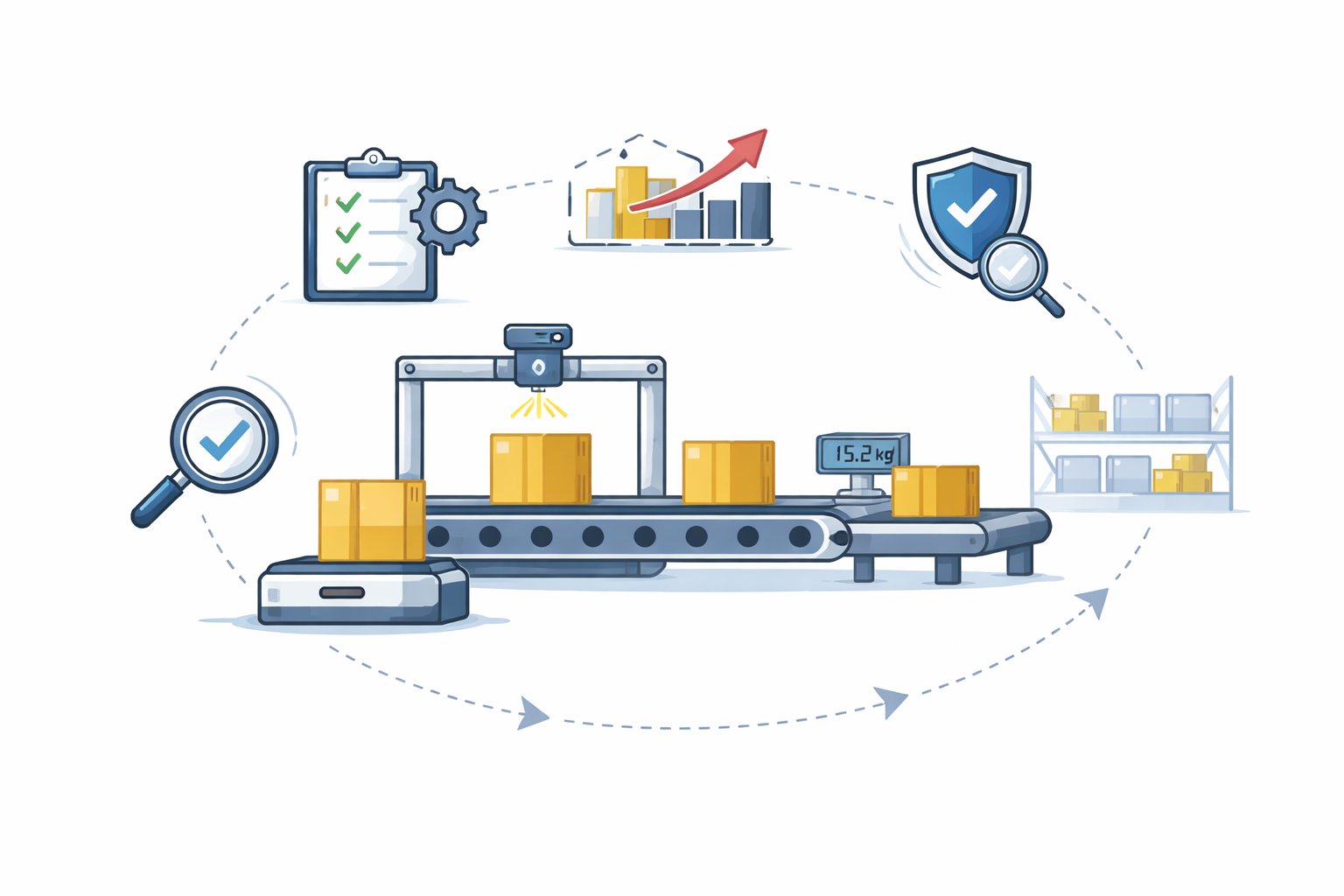
For years, dimensioning systems have focused on one thing:
capture dimensions, weight, and move on.
But modern warehouse operations need more than that.
At some point, the question naturally comes up:
“Why should a dimmensioner only grab dimensions… when it’s already sitting right in the middle of my process?”
That question is exactly why CubiQ Workflows was born.
Every warehouse operates differently.
Some need extra validation steps.
Others need images at specific moments.
Some require system checks, approvals, or external integrations before moving forward.
With CubiQ Workflows, CubiQ machines stop being just measurement devices and become active participants in your operational process.
You can now design custom workflows directly inside a CubiQ Manager, tailored to how your warehouse actually works.
CubiQ Workflows allows you to fully customize how data is captured, validated, and acted on — in real time.
Need to collect extra information beyond dimensions and weight?
You can define custom fields that operators fill in as part of the workflow.
Not all images are equal.
With Workflows, you can:
All images are tied to the same cargo record, automatically.
Need to attach additional documents during the process?
Workflows lets you include custom paperwork capture as a native step in the operation.
CubiQ Workflows can:
For example:
All in real time.
Not all barcodes appear at the same time.
With Workflows, you can:
No more workarounds or manual checks.
The easiest way to understand CubiQ Workflows is this:
CubiQ Workflows is like Zapier — but built specifically for logistics.
Every second matters — and Workflows is designed with that reality in mind.
With CubiQ Workflows, you don’t adapt your operation to the machine.
The machine adapts to your operation.
From simple dimensioning to complex, multi-step operational flows, CubiQ Workflows gives you the flexibility to design exactly what needs to happen — and nothing that doesn’t.
CubiQ Workflows is available today.
If you want to see how it fits your operation or explore what’s possible for your specific use case, get in touch and we’ll walk you through it.
_vector.svg)