
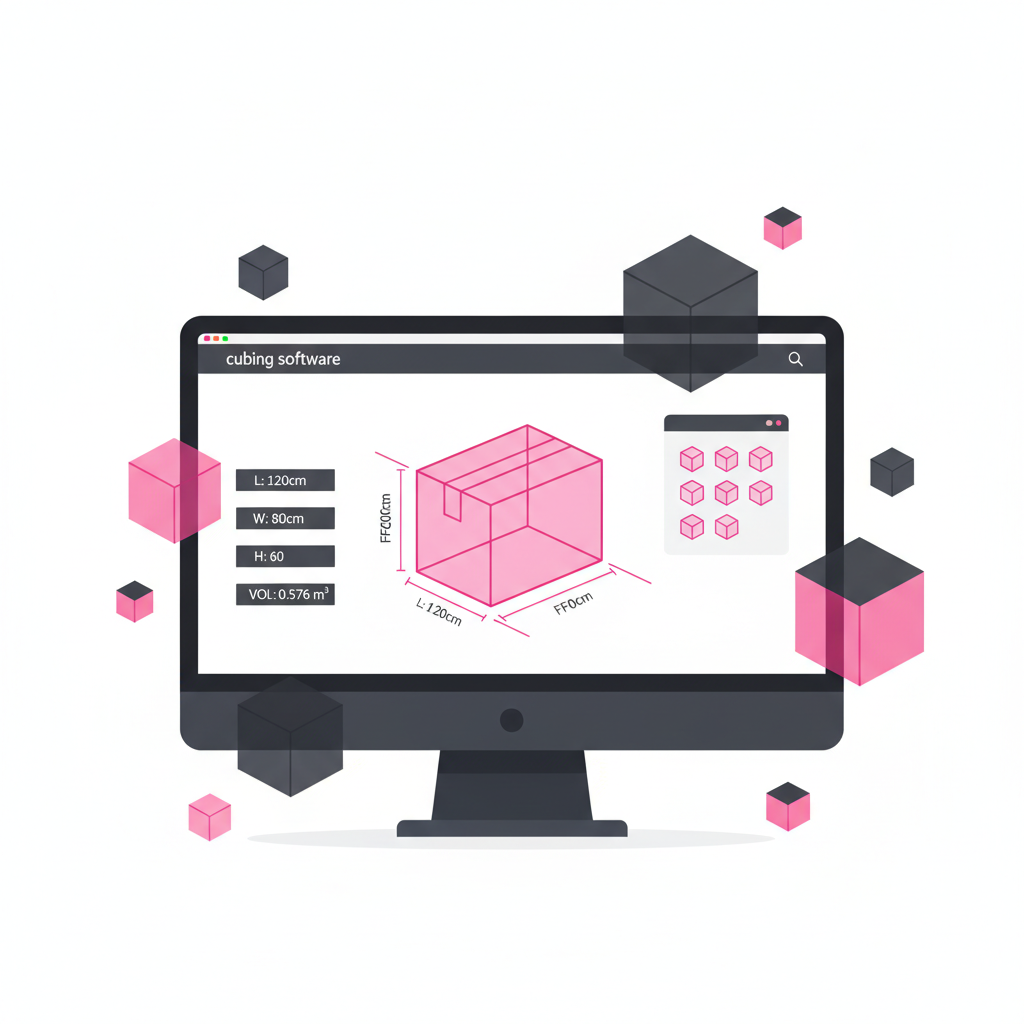
Cubing software is the application layer between a dimensioning hardware station and the WMS, ERP, or TMS. It receives raw sensor data, processes it into a clean measurement record, and transmits that record downstream — automatically, in real time, without human intervention.
The hardware captures the numbers. The cubing software makes those numbers useful: validated, formatted, linked to the right shipment, and delivered to the right system at the right moment.
Raw sensor output is a point cloud or depth map — thousands of data points representing the 3D surface of the object. Cubing software converts this into a clean bounding box (L × W × H) by filtering background noise, identifying the maximum envelope (including overhangs), applying rounding rules (IATA requires rounding up), and calculating dimensional weight at the configured DIM factor.
The software reads the barcode on the label and uses it as the shipment key to match or create the corresponding WMS record. When the barcode fails, advanced platforms like CubiQ use AIME OCR to read printed label text as a fallback — maintaining 99.8%+ first-pass identification rates even in challenging label environments.
Before transmitting downstream, the software validates each record against configurable rules: Are dimensions within the expected range? Does measured weight exceed declared weight beyond the allowed tolerance? Is the shipment reference matched in the WMS? Records that fail validation are flagged for manual review — not passed downstream with errors.
Validated records are pushed via API in under 200ms, populating the shipment record with dimensions, actual weight, DIM weight, photo URL, timestamp, and station ID. The WMS then owns the data for billing, storage assignment, load planning, and customs.
The platform aggregates individual scan events into operational KPIs: throughput per station, error rates, exception rates, DIM weight capture rates. CubiQ's dashboard surfaces these live, by station and shift, enabling supervisors to intervene before a bottleneck becomes a backlog.
| Function | Cubing Software | WMS/ERP |
|---|---|---|
| Sensor data processing | ✓ | ✗ |
| Barcode + OCR identification | ✓ | ✗ |
| Data validation + exception routing | ✓ | Partial |
| DIM weight calculation | ✓ | Sometimes |
| Photo evidence storage | ✓ | ✗ |
| Inventory management | ✗ | ✓ |
| Billing execution | ✗ | ✓ |
Every CubiQ system — ONE, LINE, X, and DTPS — ships with the cubing software platform included. No separate license, no add-on module. Key capabilities:
Request a platform demo to see CubiQ's cubing software with your item types and integration environment.
_vector.svg)