
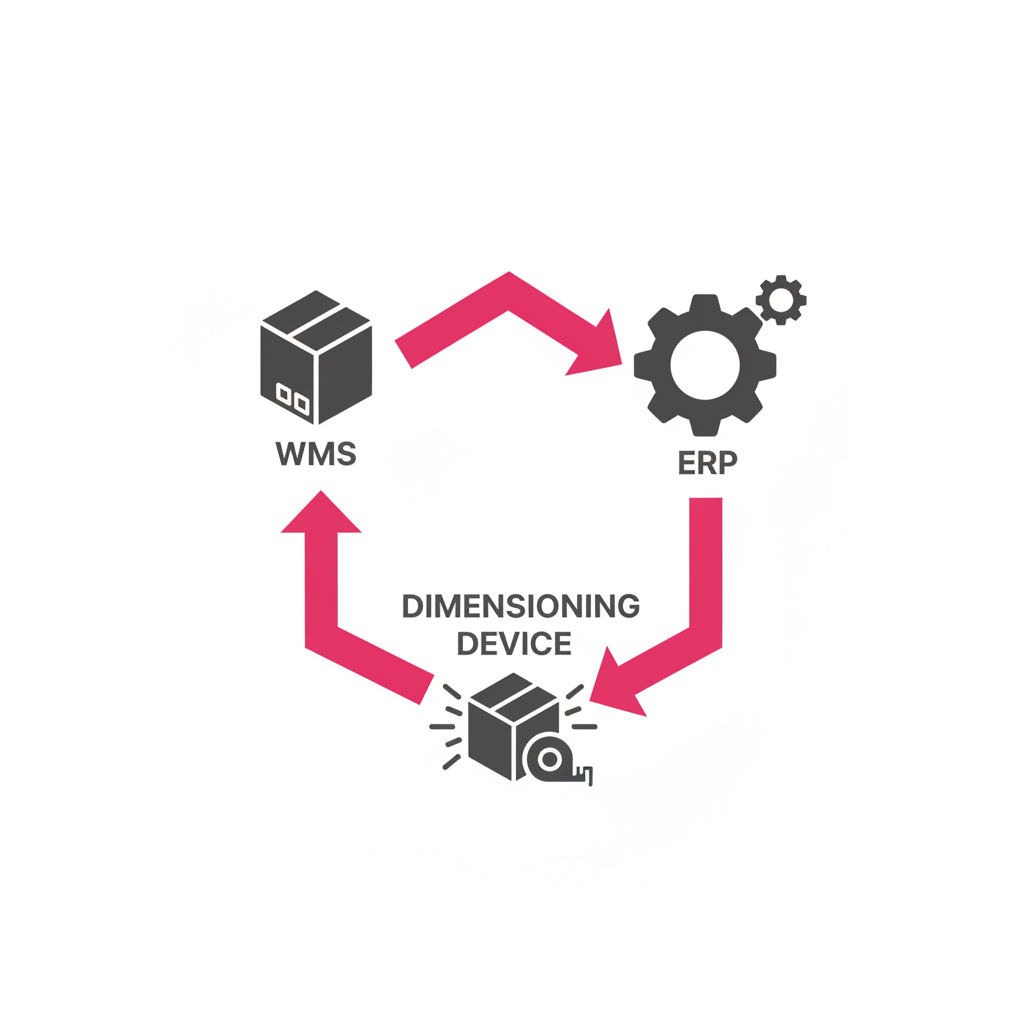
A dimensioning system that does not feed data into your WMS or ERP is a data island. Operators manually copy measurements from one system to another, reintroducing exactly the error source the dimensioner was supposed to eliminate. The value of automated measurement is only realized when measurement data flows automatically into downstream systems — billing, inventory, load planning, customs.
Before selecting a dimensioning system, integration capability should be evaluated with the same rigor as measurement accuracy or throughput specs.
A fully integrated dimensioning system pushes the following data to your WMS or ERP for every scan event:
This record becomes the authoritative measurement data for the shipment and should be immutable once created — serving as the basis for billing, customs declarations, and dispute resolution.
A REST API integration sends measurement records as JSON payloads to an endpoint in your WMS or ERP. This is the most flexible and maintainable approach — no database-level access is required, the integration survives system upgrades on both sides, and the payload can be mapped to any data model.
CubiQ's REST API supports both push (real-time event-driven) and pull (batch query) modes, with OAuth 2.0 authentication and full webhook support for exception notifications.
For the most widely deployed WMS and ERP platforms, native connectors reduce integration time from weeks to days by pre-mapping the CubiQ data model to the target system's schema. CubiQ offers native connectors for:
| Pitfall | Prevention |
|---|---|
| Barcode mismatch (scan reads a code not in the WMS) | Configure exception routing with manual fallback and alerting |
| Unit of measure inconsistency (mm vs. cm) | Standardize UoM in the integration configuration before go-live |
| Missing shipment reference at scan time | Use OCR label reading as a fallback when barcode is unreadable |
| WMS update latency causing billing lag | Use real-time push mode, not batch sync |
For a standard REST API integration to a well-documented WMS:
For native connector deployments (CargoWise, SAP), go-live is typically achieved within 3–5 business days.
CubiQ provides sandbox API access during the evaluation phase, a pre-built data mapping document for all supported WMS platforms, and a dedicated integration engineer for every deployment. Contact us to start a technical evaluation.
_vector.svg)